For readers exploring ai face swap, this Kling 3.0 review covers related video-production concerns: character consistency, lip-sync, multi-shot generation and credit costs.
Kling 3.0 is Kuaishou’s third-generation video model series — VIDEO 3.0 and VIDEO 3.0 Omni — with native audio and lip-sync, voice-bound character elements, shot-by-shot storyboard control and single generations up to 15 seconds. I went through the Kling 3.0 generator page, the Omni user guide and the credit table to explain what Kling 3.0 changes over O1 and 2.6, what it costs per second, and where a multi-model studio is the better place to run it.
“The World’s Most Powerful AI Video Generator” is how Kling AI headlines Kling 3.0, and the supporting numbers are big: 60M+ users, 600M+ videos generated, 4.7 stars on the App Store, and the claim of the world’s first native-4K video model. Marketing aside, the Kling 3.0 series is a genuine architectural step — a unified multimodal model that treats images, video, elements and text as one prompt — and it arrived with a detailed user guide published on 6 February 2026. I spent a week with the Kling 3.0 generator page, the VIDEO 3.0 Omni guide and its FAQ, and the pricing page, mapping what is new, what it costs and where it strains.
Because Kling 3.0 is one of several strong video models a working creator now juggles, I kept a studio that hosts multiple video and image models under one credit balance, Kyncept, open in the next tab — more on that at the end.
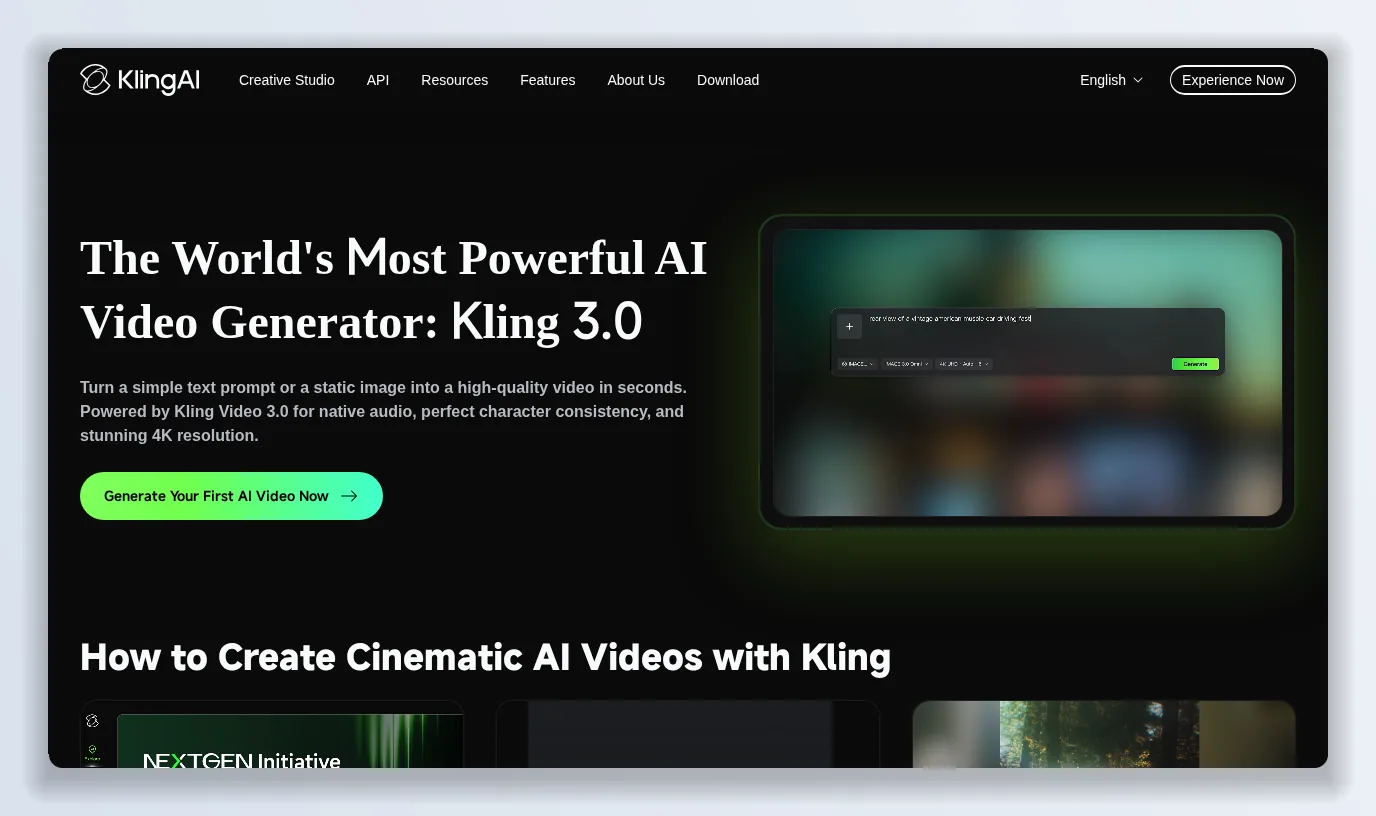
Kling 3.0’s pitch in three lines — character consistency, native audio and lip-sync, and up to 15 seconds of multi-shot output in 4K.
What Kling 3.0 is
Kling 3.0 is a model series. Kling VIDEO 2.6 was upgraded to VIDEO 3.0, and Kling VIDEO O1 — the reference-driven “omni” model — was upgraded to VIDEO 3.0 Omni. Both sit on a “deeply integrated unified model training framework” that Kling describes as achieving “more native multimodal input and output”. In plain terms: the same model reads your text, your reference images, your uploaded video and your saved elements, and writes back video with sound. The generator page adds an IMAGE 3.0 and IMAGE 3.0 Omni to the same family, and the Element Library 3.0 is the place reusable characters live.
What Kling 3.0 changes over O1
Kling’s own comparison table is the clearest summary of Kling 3.0 Omni against VIDEO O1:
- Text-to-video — O1 had no native audio and no multi-shot; Kling 3.0 Omni supports both.
- Image-to-video, start-and-end frames, multi-image reference, element reference — carried over.
- Video element reference — new: upload or record a 3–8 second clip of a character and Kling 3.0 builds an element from it.
- Element voice control — new: bind a voice to an element.
- Duration — O1 topped out at 10 seconds; Kling 3.0 goes to 15.
The guide is also candid that O1’s reference-based generation had consistency and prompt-following problems: Kling 3.0 Omni is described as producing “fewer visual distortions” and “a mature, highly usable work” per generation.
Elements with a voice
The feature that most changes how you work with Kling 3.0 is Elements 3.0. An element is a saved subject — a character, a product, a scene — built from up to four multi-angle images or from a short video. In Kling 3.0 Omni the element can also carry a voice: upload a 5–30 second clean speech sample, or let the model extract the voice from the reference video, and that character will “not only look the same but also sound the same” across videos, scenes and shots. The guide’s examples are ads and short drama: two boxers on a rooftop directed shot by shot, a couple on an Icelandic ridge trading lines in a single take, a lipstick that turns into a river of colour. In the app you can record yourself and become the character.
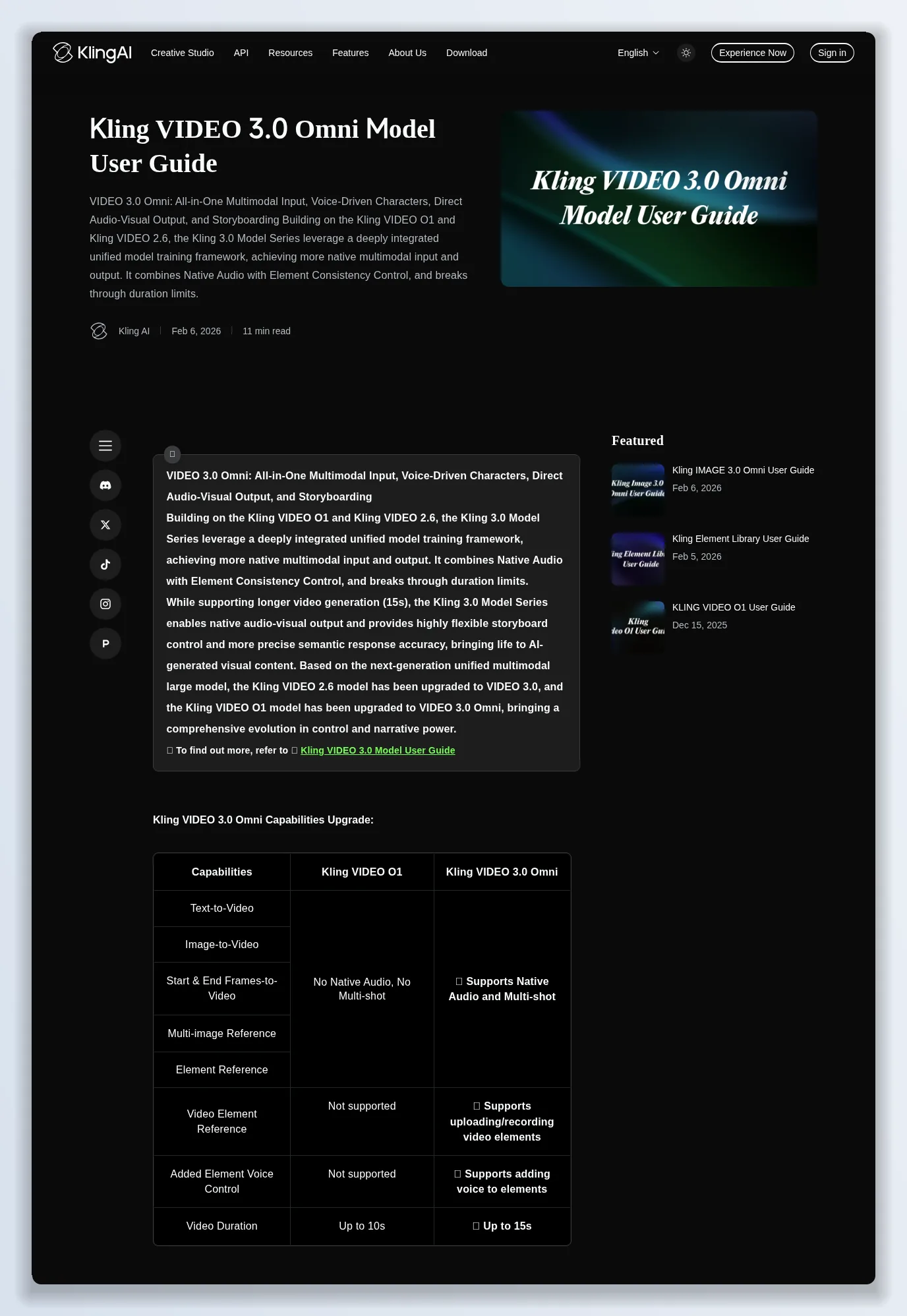
The Omni guide walks through All-in-One Reference 3.0, Elements 3.0 with voice, and Storyboard Narration 3.0, with prompts and outputs for each.
Storyboard narration and 15 seconds
Kling 3.0 keeps O1’s free duration control (3–10 seconds) and extends the ceiling to 15 seconds, but the bigger change is native custom multi-shot: you specify each shot’s duration, framing, angle, action, dialogue and camera movement in the prompt — “Shot 1 (2s): wide shot… Shot 5 (2s): bird’s-eye view…” — and Kling 3.0 renders the sequence with transitions in one generation. This is what the generator page means by “direct multi-shot sequences in a single click”, and it is the difference between a clip and a scene.
Kling 3.0 pricing and credits
Kling 3.0 is sold through Kling AI’s credit system (and the API platform). The Omni guide publishes the per-second rates; VIDEO 3.0 Omni currently supports 1080p and 720p:
- Native audio on, no video input — 12 credits/second at 1080p, 9 at 720p.
- Native audio off, no video input — 8 credits/second at 1080p, 6 at 720p.
- With a video input (audio off only, for now) — 16 credits/second at 1080p, 12 at 720p.
So a 10-second 1080p clip with dialogue is 120 credits, and a 15-second one is 180. Inputs are capped at 7 images (4 if a video is included), one 3–10 second reference video up to 200 MB and 2K, and elements built from up to four angles plus a voice sample. The pricing page positions the whole Kling 3.0 series under “All in One, One for All” with subscription tiers that bundle credits; the exact credit-per-dollar rate depends on the tier and any promotion running when you look.
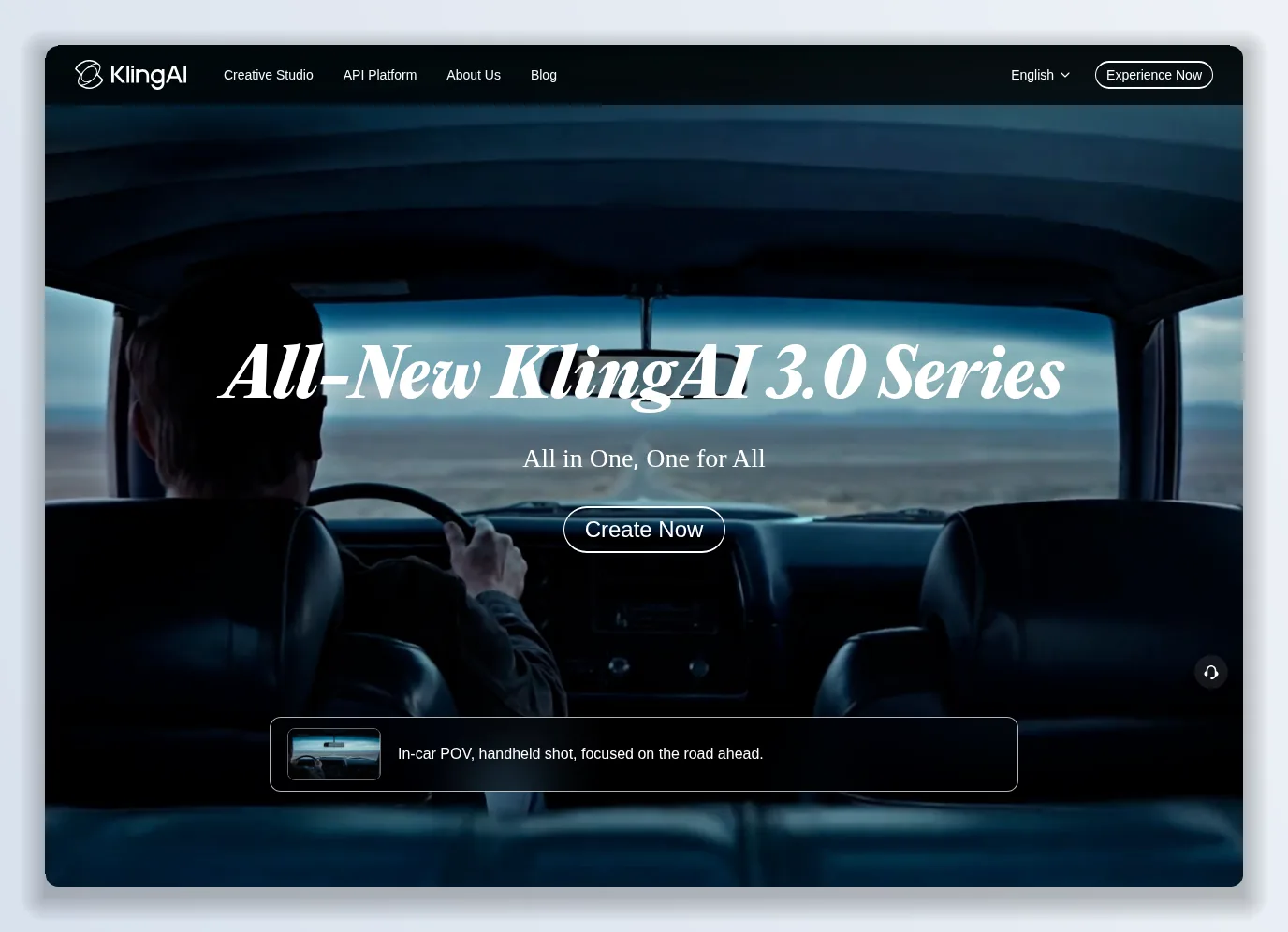
The series page describes VIDEO 3.0 and 3.0 Omni as one architecture — “dual binding of visual identity and vocal tone” across multi-scene transitions.
What Kling 3.0 gets right
- Audio in the model. Voices, lip-sync and multi-character dialogue without a second tool.
- Elements that persist, now with a bound voice — real reusable character assets.
- Shot-level direction in a single generation, up to 15 seconds.
- Consistency. Locking a character’s look from one photo or a short video is the feature users buy Kling for.
- A published rate card per second, per resolution, per input type.
Where Kling 3.0 falls short
- 4K is a landing-page claim; Omni ships at 1080p/720p. Check which mode you are in before assuming 4K.
- Video input disables native audio for now — you cannot yet reference a clip and get dialogue in the same generation.
- Credits climb fast. 12 credits a second at 1080p with audio means a single 15-second take is 180 credits; iteration is expensive.
- Prompt engineering is heavy. The best Kling 3.0 outputs come from timestamped multi-shot prompts with @element tags; casual prompts get casual results.
- One vendor, one model family. When another model does a specific shot better, Kling’s credits do not follow you.
Kling 3.0 vs the alternatives
Against Seedance 2.5, Kling 3.0 gives up single-pass duration (15 vs 30 seconds) and wins on voice-bound elements and a clearer per-second price. Against FLUX 3, Kling 3.0’s edge is character consistency and the element library; FLUX’s is stylistic range and 20-second takes. For most creators in 2026 the practical question is not which model is best but how to run two or three of them without three subscriptions.
Verdict: is Kling 3.0 worth it in 2026?
Yes, for character-driven work — ads with a recurring presenter, short drama, product videos where the product must look identical in every shot. Kling 3.0’s elements-with-voice and multi-shot storyboarding are the most director-like controls in the category. Budget for the credit burn at 1080p with audio, and read the Omni guide before your first serious prompt. Try it on a scene you have already shot, and compare it with what you got last time.
The alternative worth keeping next to it: Kyncept
Two Kling 3.0 realities kept a second tab open: its credits only buy Kling, and its cost per iteration rewards drafting elsewhere. Kyncept is a video and image studio that runs several leading models — Seedance among them, alongside GPT Image 2 — under one visible credit balance.
- Multiple models, one workspace. Draft on the cheaper model, finish on the one that nails the shot, without switching accounts.
- Credits you can see. A video starts at 10 credits, and every feature shows its cost before you run it; Seedance 2.0 is listed with early-access pricing up to 30% off.
- Free to start, no card. A $0 tier to try Kyncept, and an annual Hobbyist plan at $25 a year with downloadable exports.
- Templates and Auto-Mode Workers — UGC ads, story videos, explainers and viral-video clones, with background workers that generate on your preferences.
- Upgrade or downgrade any time, prorated.
Use Kling 3.0 when the character has to be that character with that voice. Keep Kyncept open for everything you generate around it.
Photo by Peter Stumpf on Unsplash
Originally published on Medium: Kling 3.0 Review 2026: Native Audio, 15-Second Multi-Shot Video and Credit Costs.