Most "free" AI face swap tools quietly cap you, stamp a watermark on the result, or make you hand over an email before you see a single swap. You shouldn't have to trade your inbox for one face swap. I put the popular free options through the same simple test — can I upload, swap, and download a clean result without signing up or paying? — and only a handful actually pass. Here are the 8 best, ranked honestly, with the traps called out so you don't waste an afternoon.
Key takeaways
- No sign-up + no watermark is rarer than it looks. Only a couple of tools let you swap and download clean without an account. Aiface Swap and aifaceswap.io are the two that do it well.
- "Free" often means "free preview." Several tools give you credits, then paywall the thing you actually wanted — HD, video, or more than a few swaps a day.
- Photo-only vs video matters a lot. Pixlr and AILab Tools don't do video swaps at all, so don't pick them for clips.
- Skip Magic Hour if you're on free. Its free tier adds a heavy watermark and crushes quality — more on that below.
The 8 best free AI face swap tools at a glance
| Tool | Free tier | Sign-up? | Watermark (free) | Video? | Best for |
|---|---|---|---|---|---|
| 1. Aiface Swap | 3 swaps/hour | No | No | Yes (+GIF) | Clean photo, video & GIF swaps with zero friction |
| 2. aifaceswap.io | 100% free, no daily cap stated | No | No | Yes (+batch, GIF) | Fast one-off web swaps, single-face |
| 3. Live3D | 100% free | Not stated | Not stated | Yes (+GIF) | Photos, GIFs and videos in one place |
| 4. Remaker AI | 30 free credits | Yes | Not stated | Yes (paid) | Most natural-looking single photo swaps |
| 5. Pixlr | Free with limits | Prompted | Not stated | No (photo only) | One-click swaps inside a real editor |
| 6. AILab Tools | Free plan, no sign-in to try | No (to try) | Not stated | No (photo + API) | Developers who want an API |
| 7. Canva | Free feature | Yes (Canva account) | Not stated | Not stated | People already working in Canva |
| 8. Higgsfield | Credit/subscription | Yes | Not stated | Via broad gen | Skin-texture detail (if likeness holds) |
Now the honest breakdown of each.
1. Aiface Swap — the best free all-rounder
Full disclosure: this is our tool, so I'll keep the claims to what you can verify yourself in about thirty seconds. Aiface Swap is free, needs no sign-up, and adds zero watermarks. You get 3 swaps per hour, it handles photos, video and GIFs, face detection is automatic, and uploaded photos are auto-deleted after 24 hours — which is the privacy detail most free tools don't bother mentioning. There's also an API if you outgrow the browser and need volume. It sits at 4.9/5 on Product Hunt.
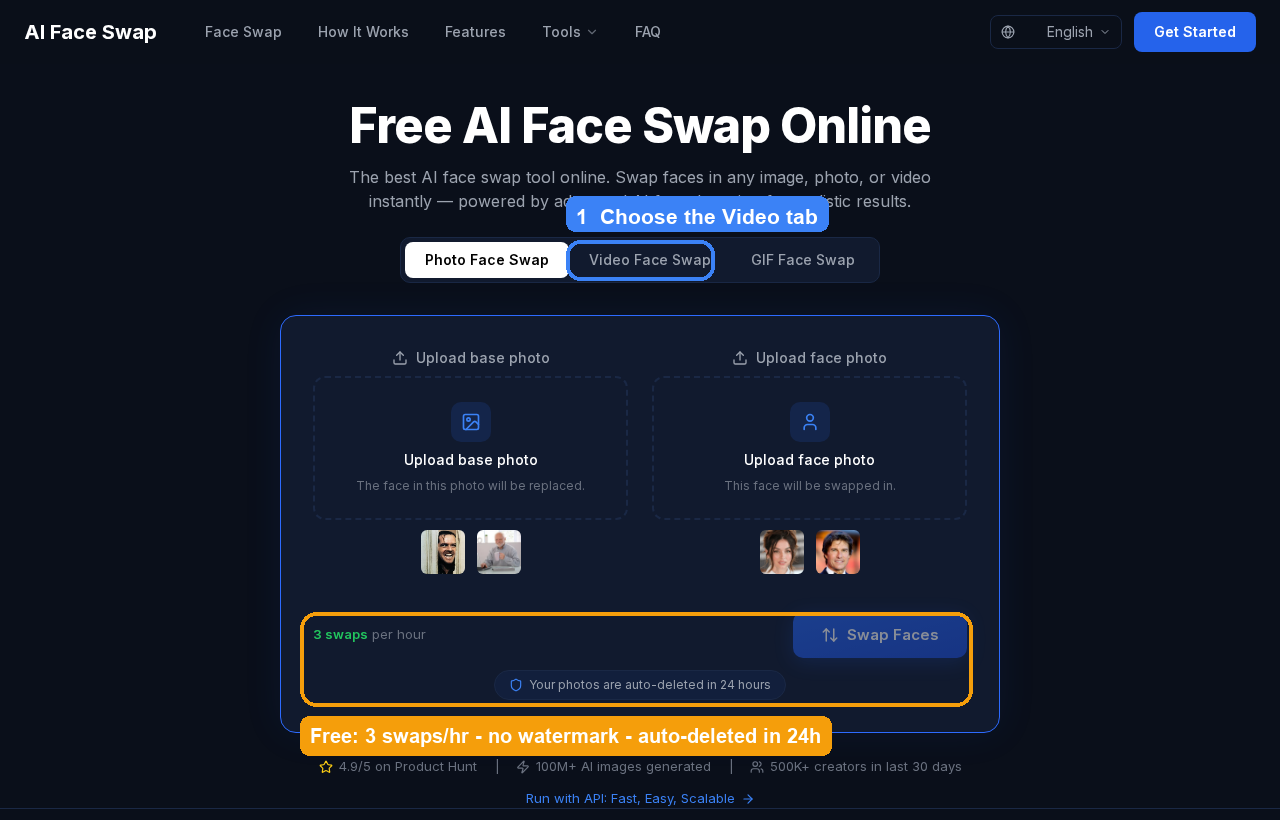
Where it wins over the rest of this list: you don't create an account, you don't get a watermark, and you're not funneled toward "upgrade to see HD." The 3-per-hour rate limit is the only real constraint, and for one-off swaps that's plenty. The platform claims 100M+ AI images generated and 500K+ creators, which mostly tells you the pipeline is battle-tested rather than a weekend project. If you're doing clips, our walkthrough on how to face swap video with AI covers the workflow end to end.
- Pros: No login, no watermark, photo + video + GIF, auto-delete privacy, API.
- Cons: 3 swaps/hour caps heavy batch sessions; for those, use the API.
2. aifaceswap.io — best pure no-login web swap
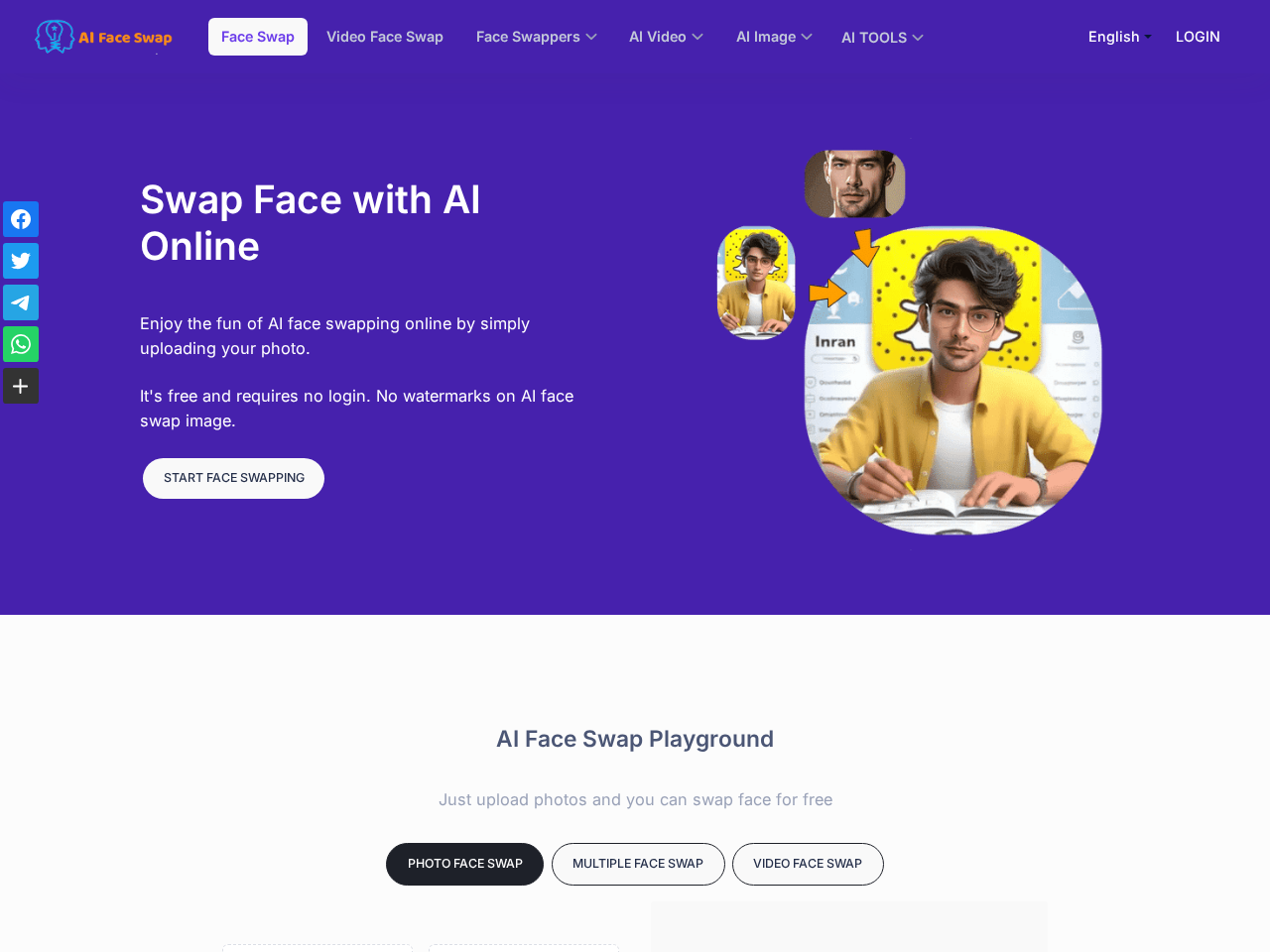
If you want the barest, fastest path — open a page, drop two images, download — aifaceswap.io is the closest competitor to our top pick. It's 100% free with no login and no watermarks, supports multiple faces, GIFs and batch mode, and clears your files after one day. Its own guidance is that it works best with a single face in the source, so keep it simple.
- Pros: No login, no watermark, batch and multi-face.
- Cons: Quality is best on single, clear faces; busy scenes get fuzzy.
3. Live3D — photos, GIFs and videos, all free
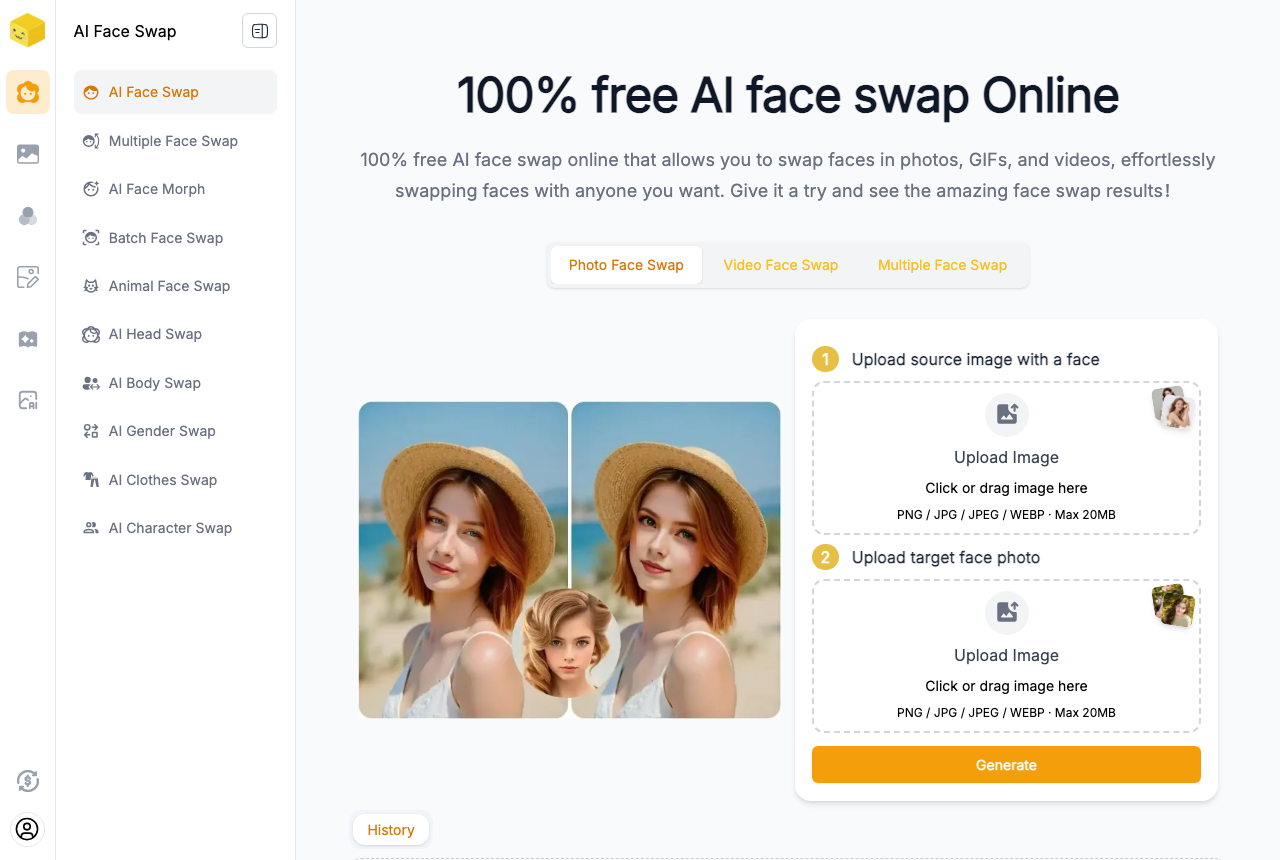
Live3D advertises 100% free face swap across photos, GIFs and videos, which makes it a decent catch-all. The catch is the ceiling: uploads are capped at 20MB, and if you push into their paid credit tiers the pricing runs from $10 for 900 credits up to $200 for 36,000. For casual, short swaps the free lane is fine.
- Pros: Handles all three formats, genuinely free to start.
- Cons: 20MB upload cap; heavier use pushes you into credits.
4. Remaker AI — most natural, but HD is paywalled
Remaker gets a lot of love for output quality. In one hands-on comparison a tester called it the most natural face swap of the free web tools — but with a big caveat: "the free version's output is pretty low-res. They have an HD option, but it need to update as VIP." You also need to sign up for the 30 free credits (1 credit per single-face swap, 2 for multi), and video swaps push you to a paid plan. So the free tier is a real preview, not a real workflow. Worth a look if likeness is your top priority — see how it stacks up in our AI face swap comparison.
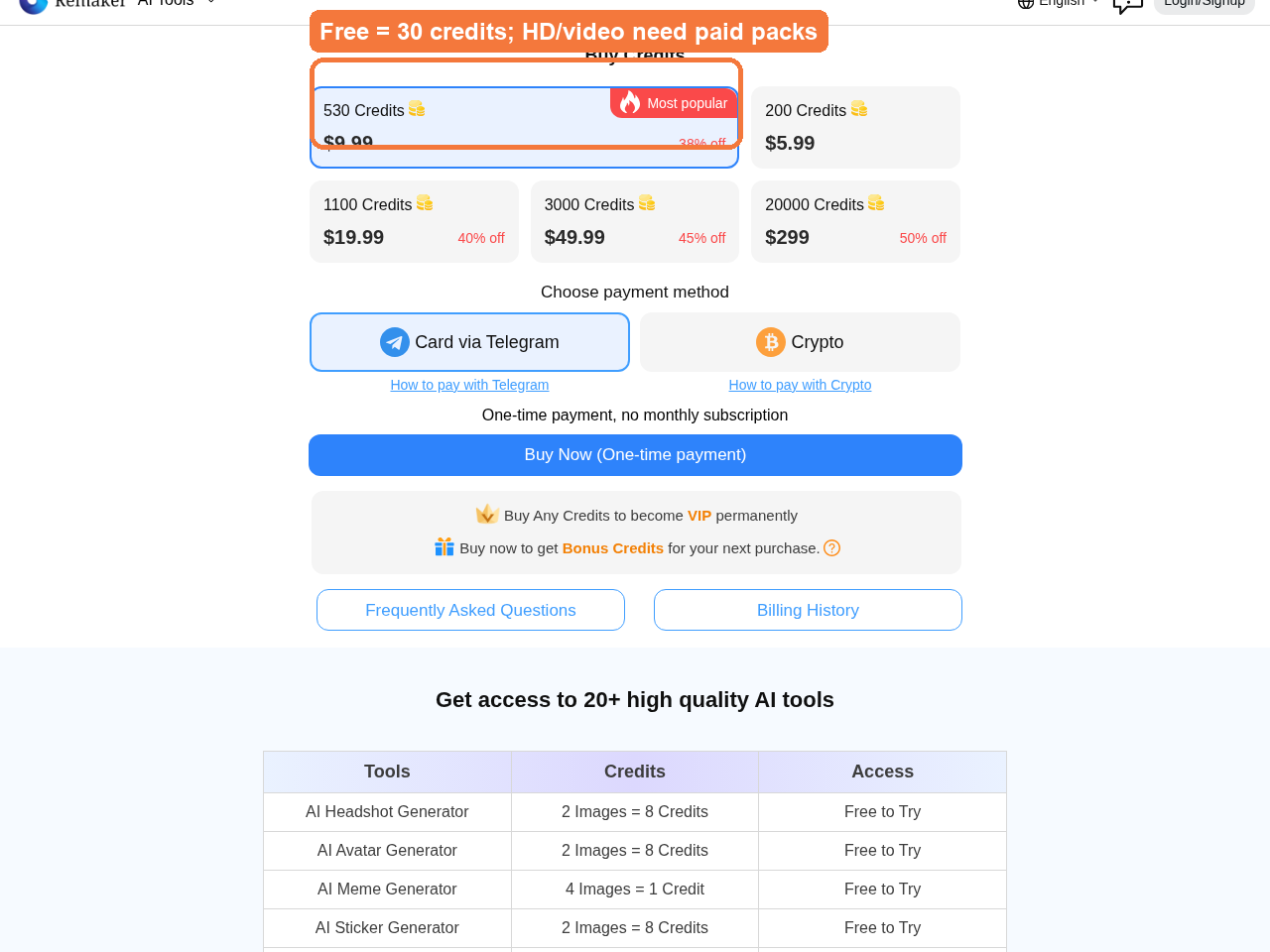 Remaker's free 30 credits get you started; more (and HD) come from one-time credit packs.
- Pros: Natural, convincing single-photo swaps.
- Cons: Free output is low-res; HD and video are behind VIP; sign-up required.
5. Pixlr — one-click swaps inside an editor
Pixlr's face swapper is handy precisely because it lives inside a full photo editor — swap the face, then fix everything else in the same tab. But it's photo-only: there's no video swap here. It's free with limits and will prompt you toward a plan, with paid tiers at $2.49/mo Plus, $9.99/mo Premium and $24.99/mo Ultra. Good for a quick edit, wrong tool for clips.
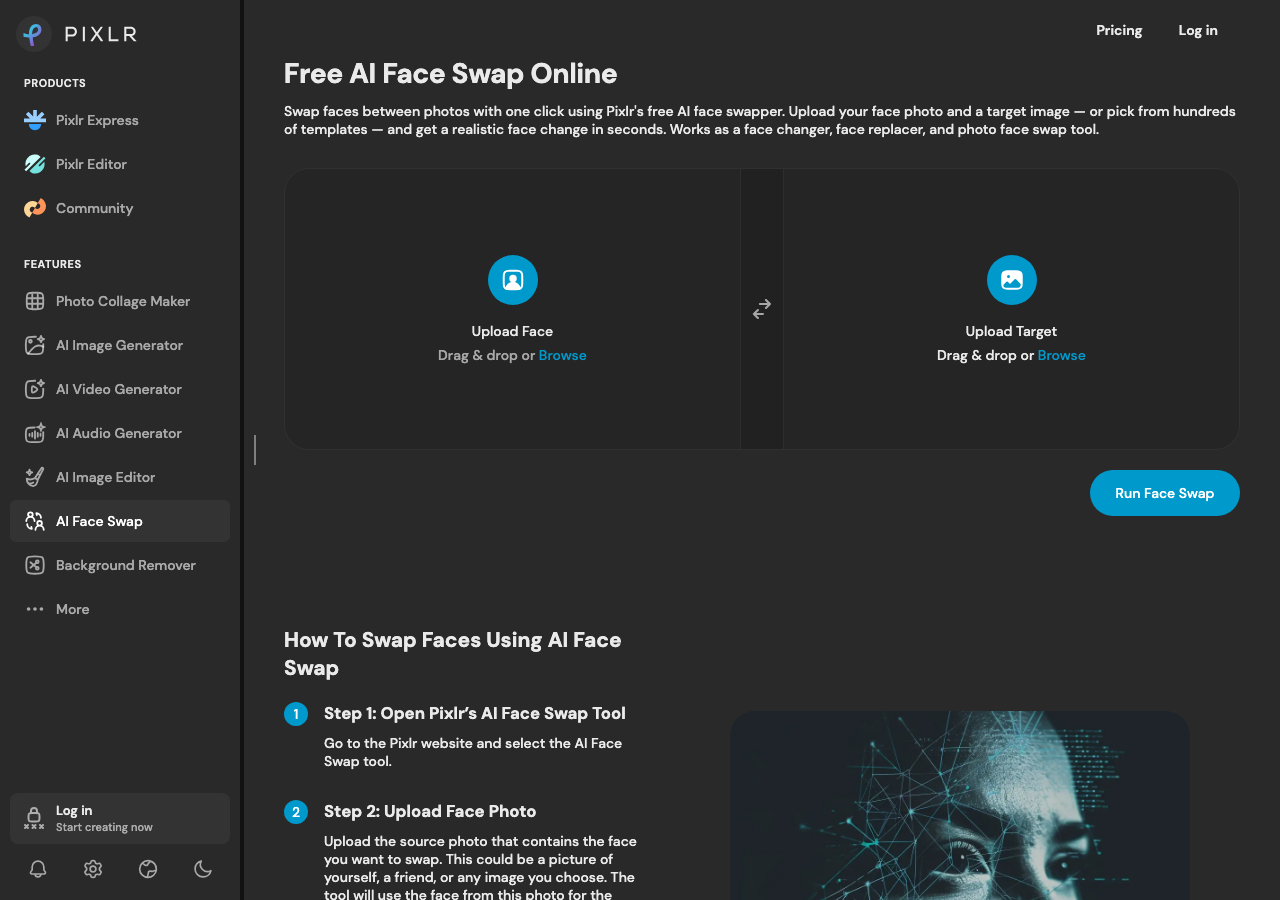
- Pros: One-click, sits inside a proper editor.
- Cons: No video; free tier is limited and nudges you to upgrade.
6. AILab Tools — for developers who want an API
AILab Tools is the pick if you're building something rather than making one meme. You can try it without signing in, and there's a developer API behind it. It's photo-only (no video), and swaps cost roughly 2 credits — about $0.12 each — with credits that roll over rather than expiring. That per-swap economy is friendlier than most for automated pipelines.
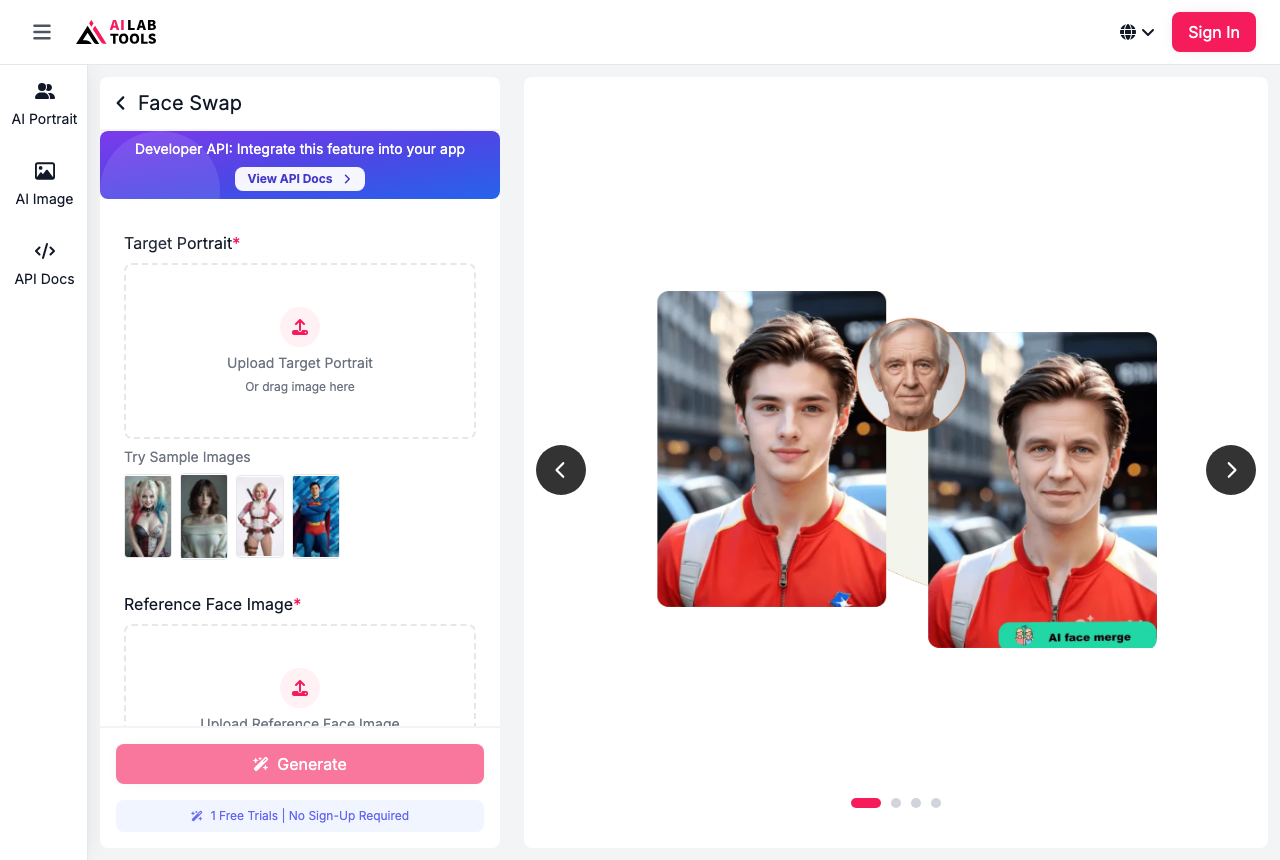
- Pros: No sign-in to try, real API, rollover credits.
- Cons: Photo only; you're paying per swap once you scale.
7. Canva — fine if you're already in Canva
If Canva is already open, its built-in face swap is a convenient free feature and you won't leave your design. The trade-off is obvious: you need a Canva account, and it's built for design work, not dedicated swapping. It doesn't advertise video swaps. Use it for a one-off inside a project, not as your main tool.
- Pros: Free, integrated into your design workflow.
- Cons: Account required; not a swap-first tool.
8. Higgsfield — great skin, shaky likeness
Higgsfield isn't a face-swap-first product — there's no dedicated swap page; it's a broad AI image/video platform on credits and subscription. On quality it's a real mixed bag. One reviewer praised it — "the level of detail Higgsfield adds to the skin texture is really, really top-notch" — then in the same test admitted it "doesn't look anything like me… botched this one". Beautiful texture, unreliable resemblance. That's a hard thing to recommend for the one job a face swap has.
- Pros: Excellent skin-texture detail when it lands.
- Cons: Likeness is inconsistent; not built for swapping; sign-up and credits.
A quick warning: skip Magic Hour on free
Magic Hour comes up a lot, so it's worth saying plainly: on the free tier it adds a big watermark and overly compresses, with output around 360 pixels. That's the exact combination — watermark plus crushed resolution — that this whole list exists to help you avoid. Fine to trial, not something to ship — and definitely not something to post publicly with a 360-pixel watermark baked across your face.
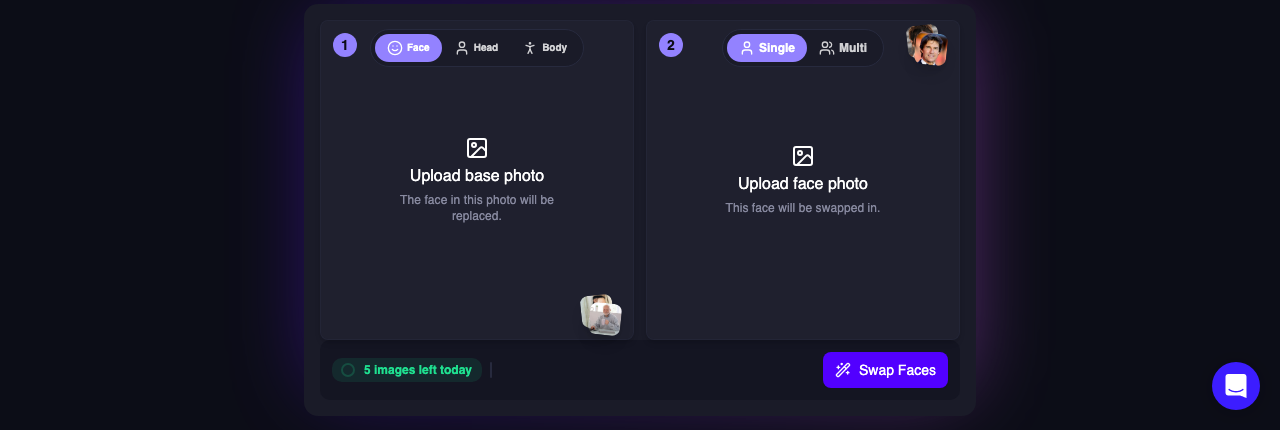 The tool itself looks polished — the problem is the free tier, where the watermark and 360p output live. "Watermark-free exports" is a paid feature.
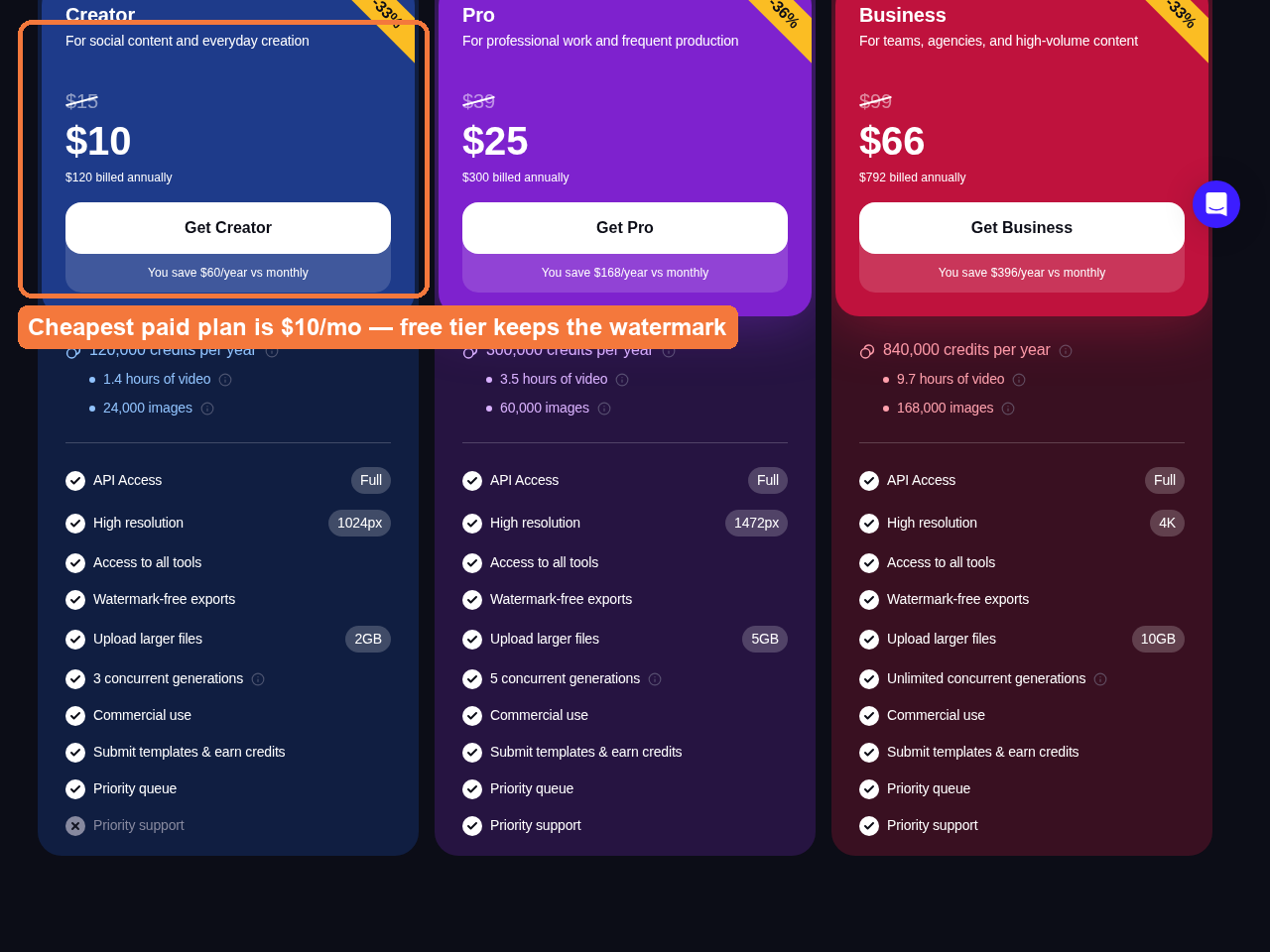 Magic Hour's watermark-free exports are a paid feature — the free tier is where the big watermark and 360p live. Plans start at $10/mo.
How to pick the right one
Start by being honest about what you're making, because that narrows the field fast. The single question that eliminates most of this list is: photo or video? Half of these tools quietly don't do video at all, and finding that out after you've uploaded your clip is a special kind of annoying.
Just need one clean photo or clip, no account? Go straight to Aiface Swap or aifaceswap.io. They're the two that reliably give you a watermark-free download without a login.
Chasing maximum likeness on a single portrait? Remaker is the natural-looking pick — just know the good version is HD, and HD is paid.
Don't over-shop the "free web tool" category. In a roughly ten-tool test, one reviewer found many of these share a single aging engine and produce near-identical fuzzy results — the verdict was that you could "give pretty much all these platforms a skip." Translation: once you find one clean, no-watermark tool, you don't need to keep hopping.
Be skeptical of "unlimited" video plans. Community reports are blunt that most subscription face-swap sites are total scams that charge $30 to $50 for maybe ten videos. If you genuinely need high volume, the honest answer is local open-source software like FaceFusion, which is free and without limits — the trade-off being a fiddly setup and a decent GPU. Even then, the models withhold their sharpest weights: there's no free inswapper_512, and you'll want 8GB of VRAM minimum. If that's your route, our guide to free unlimited AI face swap video breaks down what's realistic.
Want the swap to actually look real? Feed it good inputs. Practitioners are consistent that swaps work best on close-ups and mirror selfies, with 5–8 reference angles and consistent lighting between the reference and the scene. We collected the rest of those tricks in AI face swap photos with clean results.
The bottom line
If you want the shortest honest path — upload, swap, download, no email, no watermark, no "unlock HD" popup — start with Aiface Swap. It does photos, video and GIFs, deletes your uploads after 24 hours, and gives you 3 free swaps an hour without ever asking who you are. aifaceswap.io is a solid backup for quick single-face web swaps, and Remaker is worth a look purely for likeness if you can live with a paid HD step. And if the end goal is a shareable meme, a tool like gif-maker.net turns your finished swap into an animated clip in a couple of clicks.
Everything else on this list has a real asterisk: photo-only, account-gated, credit-metered, or watermarked on free. Life's too short to fight your face swap tool. Try Aiface Swap first, and if it does the job in thirty seconds — which it usually does — you're done.